Moving a Manhole
Moving and Relocating Manholes. Learn how to shift manhole positions along an existing path or adjust their locations geometrically within the CAD environment. Method 1: Shift Manholes Along the Exis…

Updated
by Yael Zitvar
Moving and Relocating Manholes
Learn how to shift manhole positions along an existing path or adjust their locations geometrically within the CAD environment.
Method 1: Shift Manholes Along the Existing Path (Table Edit)
Use this method if the horizontal route of the pipe remains identical, but a specific manhole needs to slide closer to or further from the previous node.
- Open Pipelines ➡️ Sections and locate the Manhole's details table at the bottom right.
- Click into the Distance column for the manhole you want to relocate and type the new horizontal distance segment and press apply.

- CivilCAD will automatically shift that manhole along the centerline path, adjusting the relative chainage (St.) for all subsequent downstream manholes.
Method 2: Relocate Manholes Graphically (CAD Layout Edit)
- Use this method if you need to visually move a manhole over the surface site plan, which may alter the horizontal angles, pipe length and pipe route.
- In the main layout drawing window, use standard CAD modification tools (such as Move or grip-editing) to select the manhole vertex on your polyline and drag it to its new physical location and press apply.
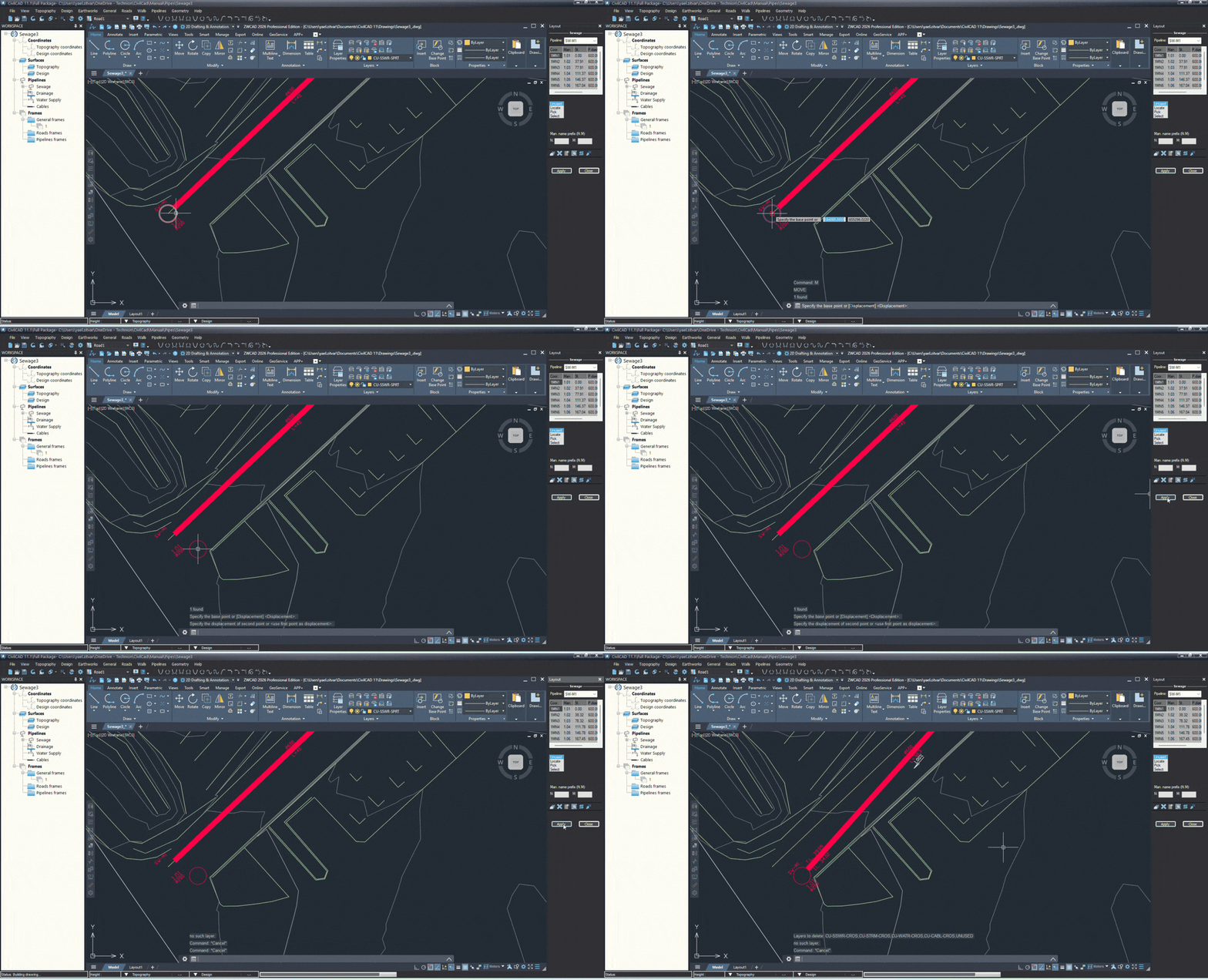
- The horizontal geometry updates instantly on your plan drawing.
- Re-open Pipelines ➡️ Sections and click both Get Topo Data (AT) and Get Design Data (AD) to sample the correct surface elevations along the new route.

How Did We Do?
Pipeline Sections Options
Understanding Section Details Tables